Backup & Restore
This section is applicable only for customers upgrading the RainMaker backend to a SAM version lower than 3.1.0.
For later version upgrades, the backup and restore process has been automated.
Backup Cognito Settings
This feature is not supported for OAuth-only RainMaker yet.
Before proceeding with the RainMaker upgrade, it is advisable to take a backup of Cognito configurations from RainMaker Dashboard. This precautionary measure helps prevent the reset of Cognito configurations to default values post-upgrade. Once the RainMaker backend upgrade is successfully completed, you can restore the Cognito configurations from the backup to ensure that your preferred settings are retained.
-
Log in to RainMaker Dashboard with Superadmin credentials.
-
Navigate to
Deployment Settingsand clickBackup and Restore. If you have taken backups before, you will see a Cognito configuration backup; otherwise, you will see a message sayingNo backup found.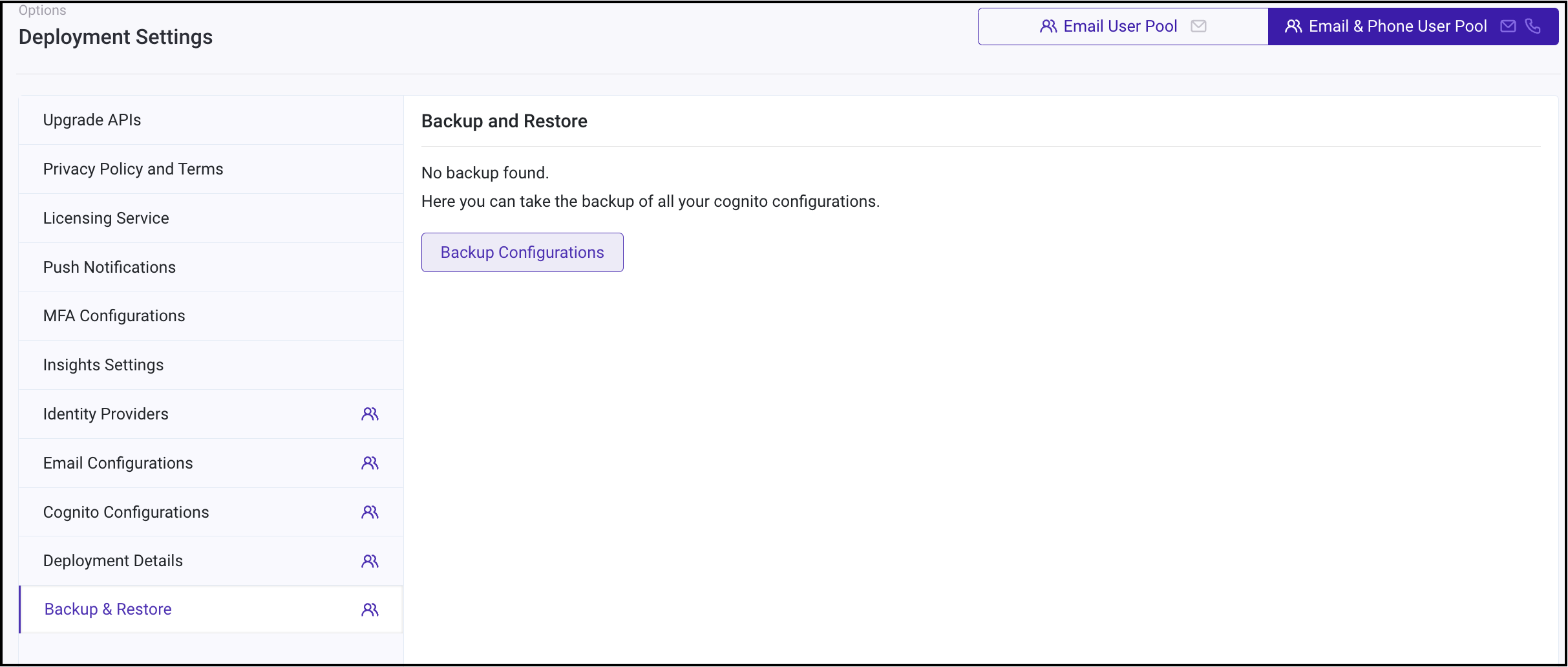
-
Click
Backup Configurationsto save a backup of Cognito configurations. Once the backup process is finished, you'll receive a success message in the upper right corner stating,Successfully captured Cognito app client settings.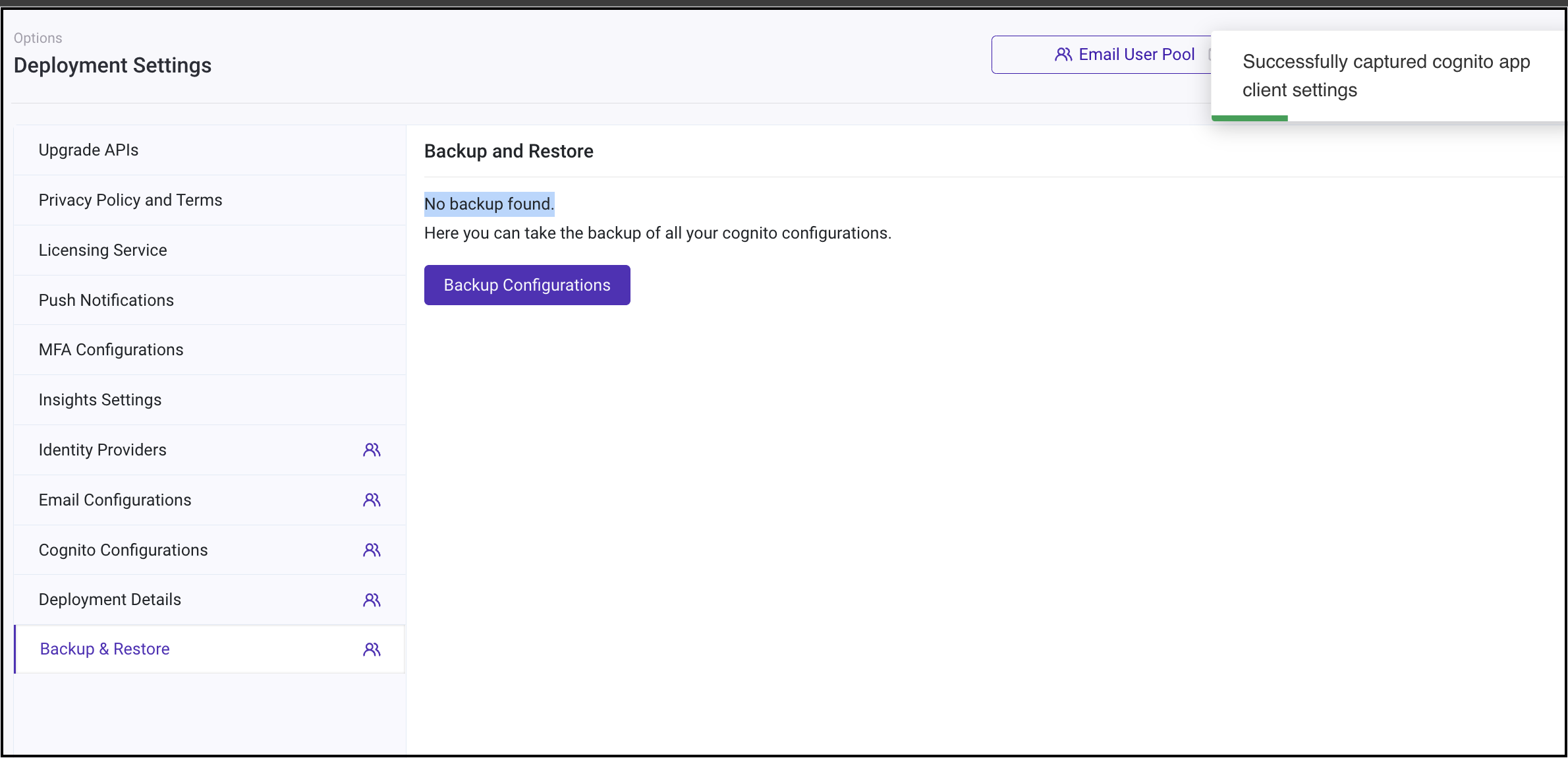
This section provides stepwise instructions for upgrading RainMaker backend components using SAM and SAR. The upgrade process for both SAM and SAR repositories is documented below. Follow the appropriate guide based on your integration setup.
Restore Cognito Settings
This feature is not supported for OAuth-only RainMaker yet.
-
Upon successfully finishing all the steps of the RainMaker backend upgrade, navigate to
Deployment Settings>Backup & Restoresection.
Here, you can see the backup you created before initiating the upgrade.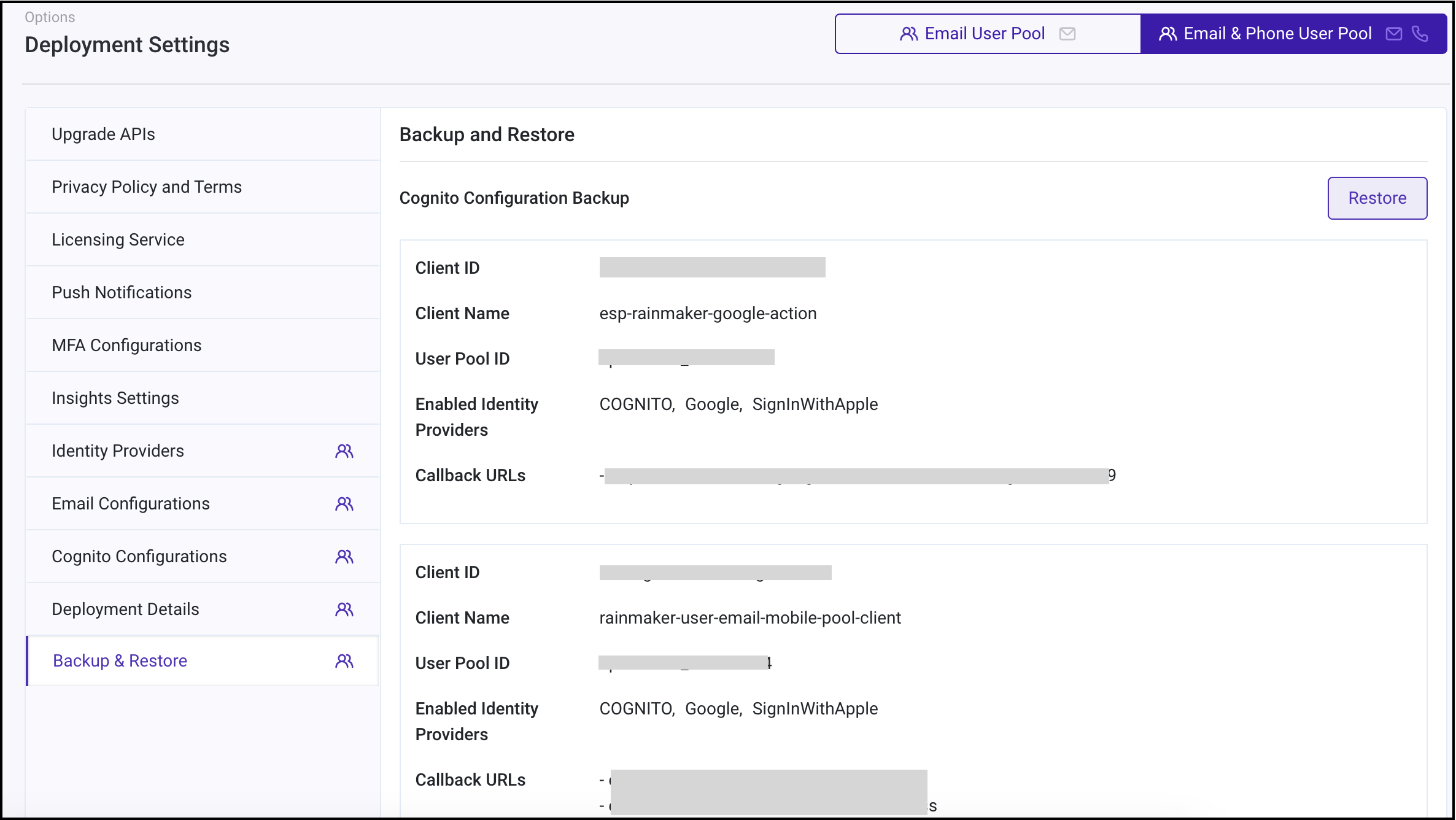
-
Simply clicking
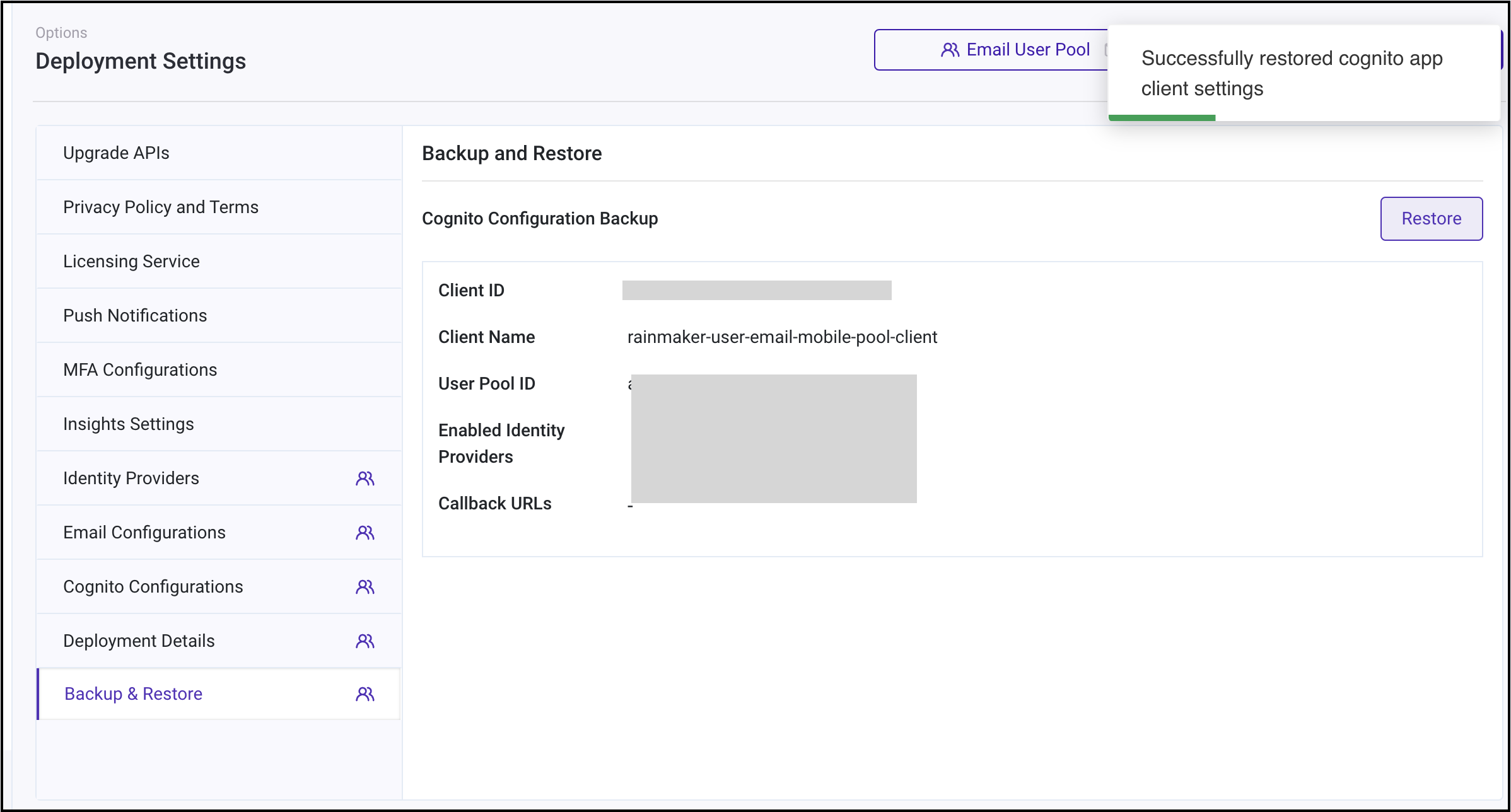
Restorewill bring back the Cognito configurations to your preferred settings. You will receive a success message in the upper right corner stating,Successfully restored Cognito app client settings.